
-
Global Industrial
Printer Tray for Sit-Stand Mobile Desk with Tablet Slot
Our Price:$50.94This printer tray gives users of a compatible sit-stand mobile desk with a tablet slot a dedicated place to support a printer. It helps keep printing equipment positioned with the workstation for...
-
Global Industrial
Silver Aluminum Storage Pocket for Mobile Laptop Workstations - 9-13/16 in. W x 4-3/8 in. D x 7-7/8 in. H
Our Price:$54.94This storage pocket adds convenient document and supply storage to compatible mobile height-adjustable laptop workstations. It helps users keep frequently needed materials within reach while working...
-
Global Industrial
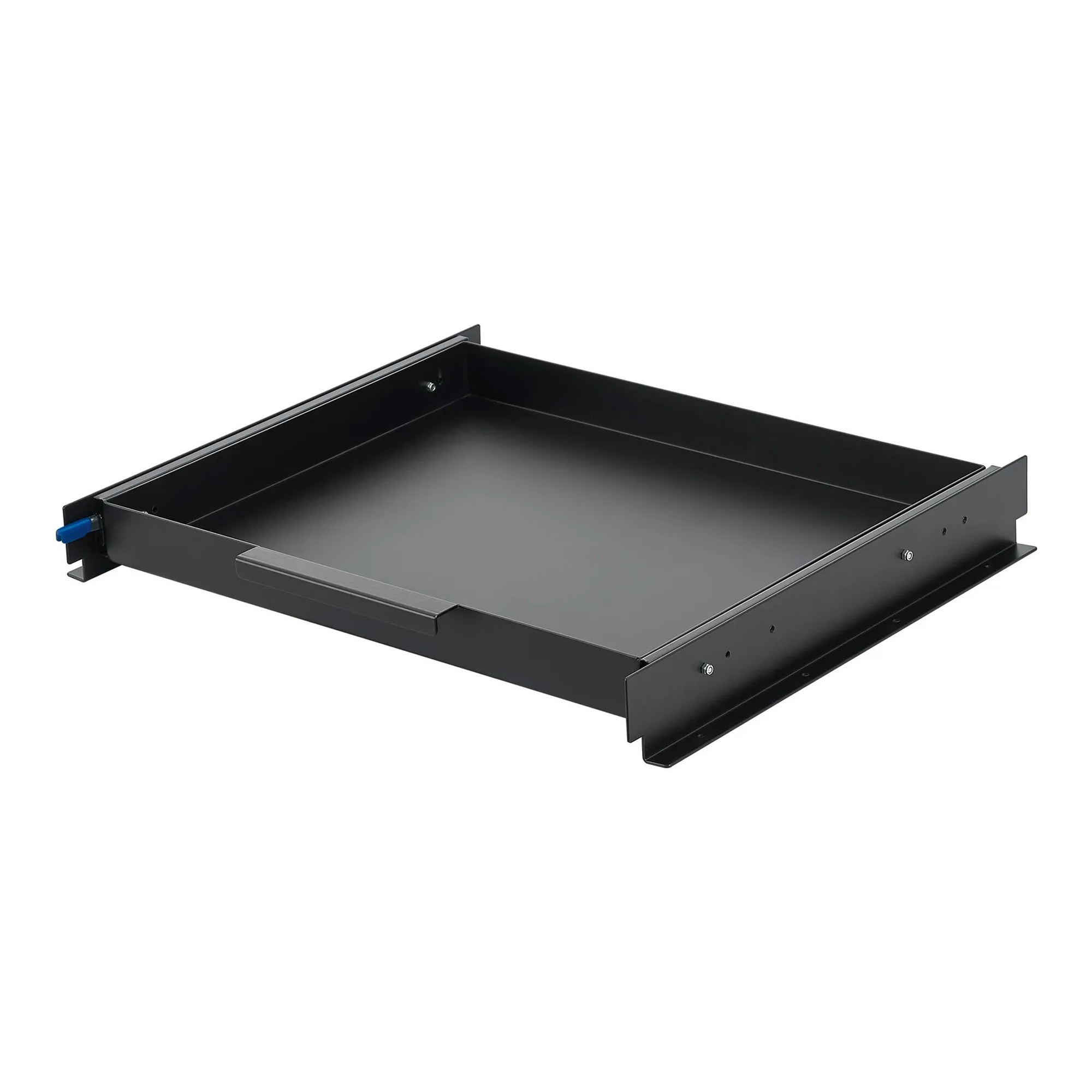
Slide-Out Printer Tray for Compatible Powered Laptop Carts
Our Price:$105.94This slide-out printer tray is an add-on for organizations using compatible powered laptop carts. It supports a small printer while helping free space on the cart’s top shelf for other work materials...
-
Global Industrial
Slim CPU/PC Mount Bracket - 2-3/16 in. W x 2-3/16 in. D x 5 in. H
Our Price:$73.94This slim CPU/PC mount bracket helps IT teams and workstation users position compatible computer equipment at a workstation. It provides a secure mounting option for keeping supported devices...



Plan a workstation setup around the equipment and work at hand
The right accessory can create a dedicated location for computers, input devices, documents, printers, and everyday work materials. Start with the workstation structure, identify what needs to be supported or stored, and review the stated compatibility and capacity before selecting an accessory.
Popular examples in this category
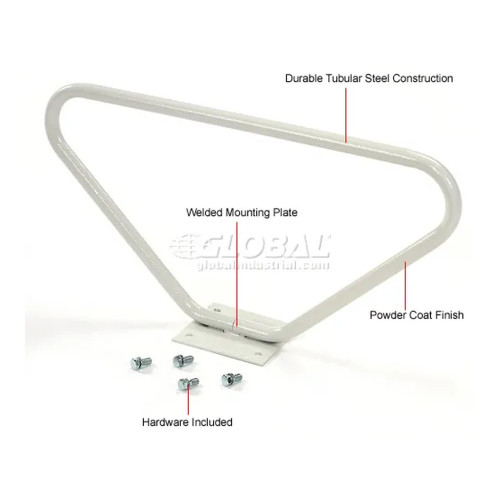 Beige Steel Footrest for Orbit Computer WorkstationsFS-GLO-752150
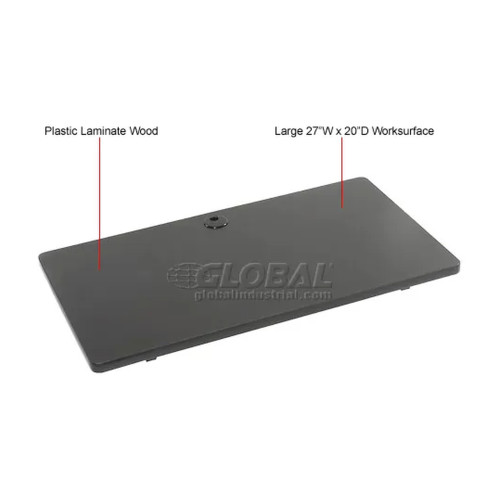 Black Plastic Laminate Worksurface, 27 in. W x 20 in. DFS-GLO-242257BK
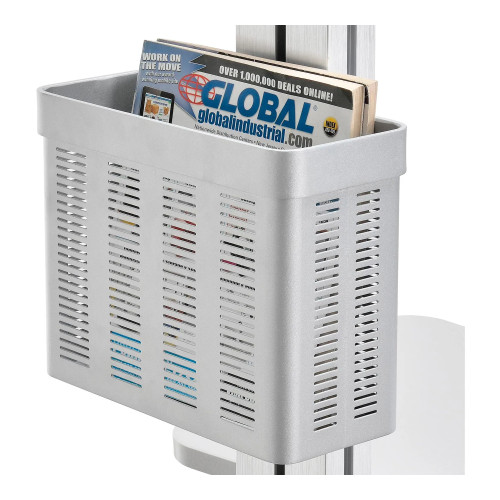 Silver Aluminum Storage Pocket for Mobile Laptop Workstations - 9-13/16 in. W x 4-3/8 in. D x 7-7/8 in. HFS-GLO-670067
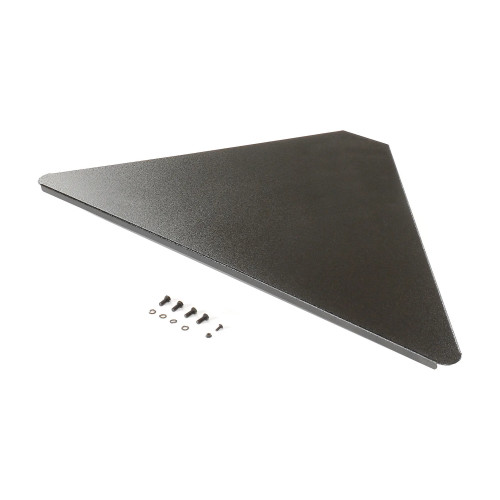 Black Steel Worksurface for Orbit Computer WorkstationsFS-GLO-752149BK
Add function where it is needed
Use worksurfaces for keyboards, mice, monitors, and routine materials; trays for laptops, keyboards, and printers; holders or cabinets for computer equipment; and storage pockets for documents and supplies.
Confirm fit before selecting
Check whether the accessory is designed for your compatible workstation post, column, mobile desk, or wall. For equipment supports, compare the stated capacity and applicable equipment size requirements.
Support commercial computer work
These accessories are suited to computer-based setups in offices, labs, and industrial work areas, where users may need equipment access, work space, storage, or a movable workstation foundation.
Match features to the setup
Consider post mounting, wall mounting, locking capability, airflow, cable-management openings, adjustable positioning, and caster locks based on how the workstation will be used.
Available on certain worksurfaces and an equipment holder.
Stated for a storage pocket.
Stated for a compatible printer and related equipment.
Fold up, lie flat, or position down.
Compare accessory types by workstation need
Use this overview to narrow the accessory type that fits the equipment or work activity you need to support.
| Accessory type | Primary role | What to check |
|---|---|---|
| Worksurface or tray | Creates dedicated space for work materials, input devices, a laptop, or a printer. | Compatible mounting location, stated capacity, surface size, and equipment fit. |
| Holder, storage pocket, or cabinet | Keeps computer equipment, documents, supplies, or a computer tower organized. | Equipment dimensions where applicable, capacity, post compatibility, cable routing, locking, and ventilation features. |
| Mobile post base or footrest | Supports a movable workstation structure or seated comfort. | Compatible components, caster locking needs, cable-management opening, or workstation fit. |
Plan the right fit before choosing
Make the workstation structure your first checkpoint
Many accessories install on compatible workstation posts or columns, while certain items are intended for specified mobile height-adjustable laptop workstations or a compatible sit-stand mobile desk. A keyboard tray may also offer wall mounting. Verify the intended mounting location before building out the station.
- Choose post-mounted accessories for compatible workstation posts.
- Use column- or wall-mounting only where the tray’s mounting options fit the installation.
- Select accessories intended for the applicable mobile workstation or desk configuration.
Give each device and material a dedicated place
Worksurfaces provide room for computer accessories and work materials. Keyboard and mouse trays organize input devices, while laptop trays keep compatible laptops positioned at the workstation. A printer tray supports a compatible printer, and a storage pocket keeps frequently needed documents and supplies nearby. CPU, UPS, and power supply holders, as well as CPU side cabinets, move computer equipment off the main work surface.
- Match worksurface space to the materials used during routine tasks.
- Use a locking laptop tray when a compatible laptop needs to be secured at the workstation.
- Consider a storage pocket for documents and supplies that need to remain within reach.
Select features that support the way the station operates
Check each accessory’s stated load limit and any applicable size accommodation. For example, equipment holders may have adjustable width, while laptop trays are intended for compatible laptops with screens up to a stated diagonal size. Consider cable-management openings for cord routing, locking casters for a mobile base, and ventilation features for enclosed computer storage. Locking doors or a locking bar can help secure supported equipment.
- Keep supported equipment and materials within the stated capacity.
- Use cable-management openings to help organize power and data cords.
- For enclosed computer storage, consider ventilation features such as exhaust fans, louvered panels, or perforated tray panels.
Common questions before buying
How do I choose a compatible workstation accessory?
Confirm the accessory’s stated compatibility with your workstation post, column, mobile workstation, mobile desk, or wall-mounting location before purchase.
What can a worksurface support?
Certain worksurfaces are intended for keyboards, mice, monitors, and other routine workstation materials within their stated capacity.
Are there options for securing a laptop or computer tower?
Locking laptop trays use a locking bar for compatible laptops, and a CPU side cabinet has locking front and rear doors for a computer tower.
What helps manage cables and heat around computer equipment?
Some post bases and CPU cabinets include cable-management openings. The CPU cabinet also includes dual exhaust fans and louvered door panels, while laptop trays have perforated panels for airflow.