
-
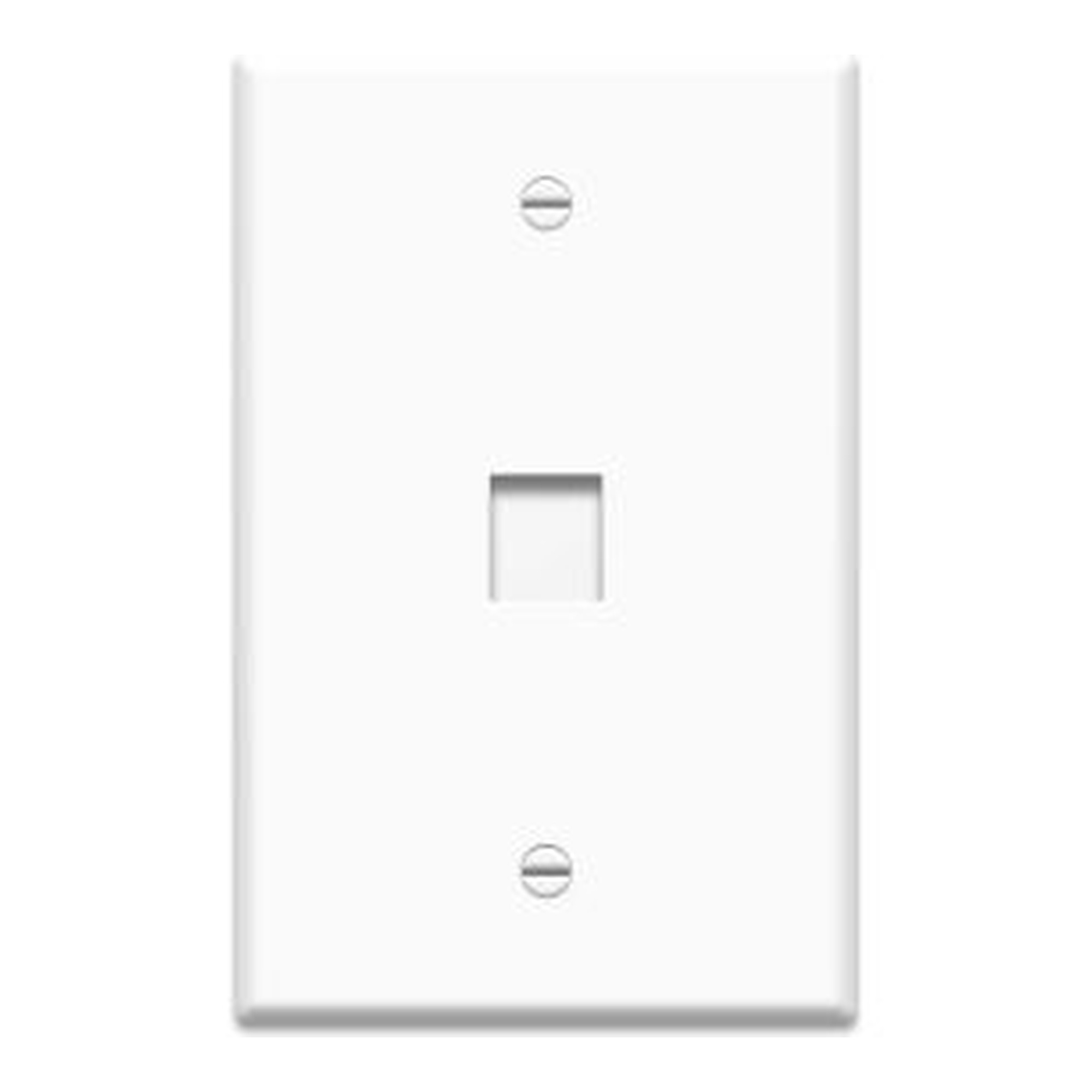
1-Gang 1-Port Keystone Wall Plate, Ivory
Our Price:$2.03This ivory 1-gang, 1-port keystone wall plate is for homeowners who need a simple finished cover for a voice or data connection. It provides a single keystone opening for a clean wall installation...
-
1-Gang Oversized Keystone Wall Plate, 1-Port, White
Our Price:$2.44This white 1-gang oversized keystone wall plate is designed for installers and commercial buyers who need a finished wall opening for a single voice or data connection. Its 1-port configuration...
-
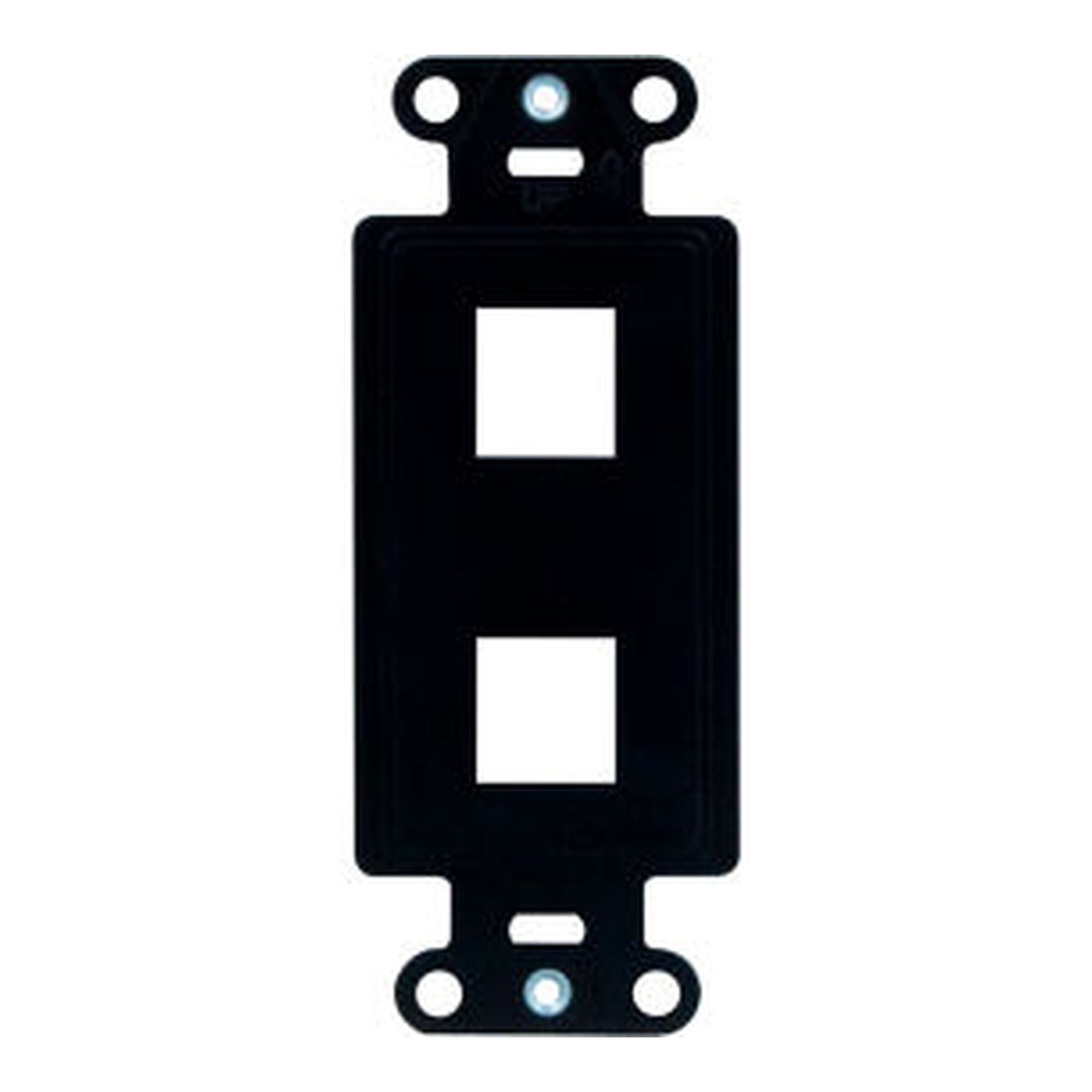
2-Port Decorator Outlet Strap, Black
Our Price:$3.43This black 2-port decorator outlet strap is designed for installers and facility teams setting up voice and data connections. It provides a secure mounting point that helps keep the outlet assembly...
-
2-Port Surface-Mount Housing for QuickPort Connector Modules, White
Our Price:$3.93This compact 2-port surface-mount housing is designed for office voice and data installations, including retrofit work and other surface-mount environments. It provides a place to install compatible...
-
3 GHz Single Coax Wall Plate, White
Our Price:$5.49This white coax wall plate provides a universal connection point for users connecting one antenna, digital cable, or digital satellite video device. It creates a dedicated wall-mounted access point...
-
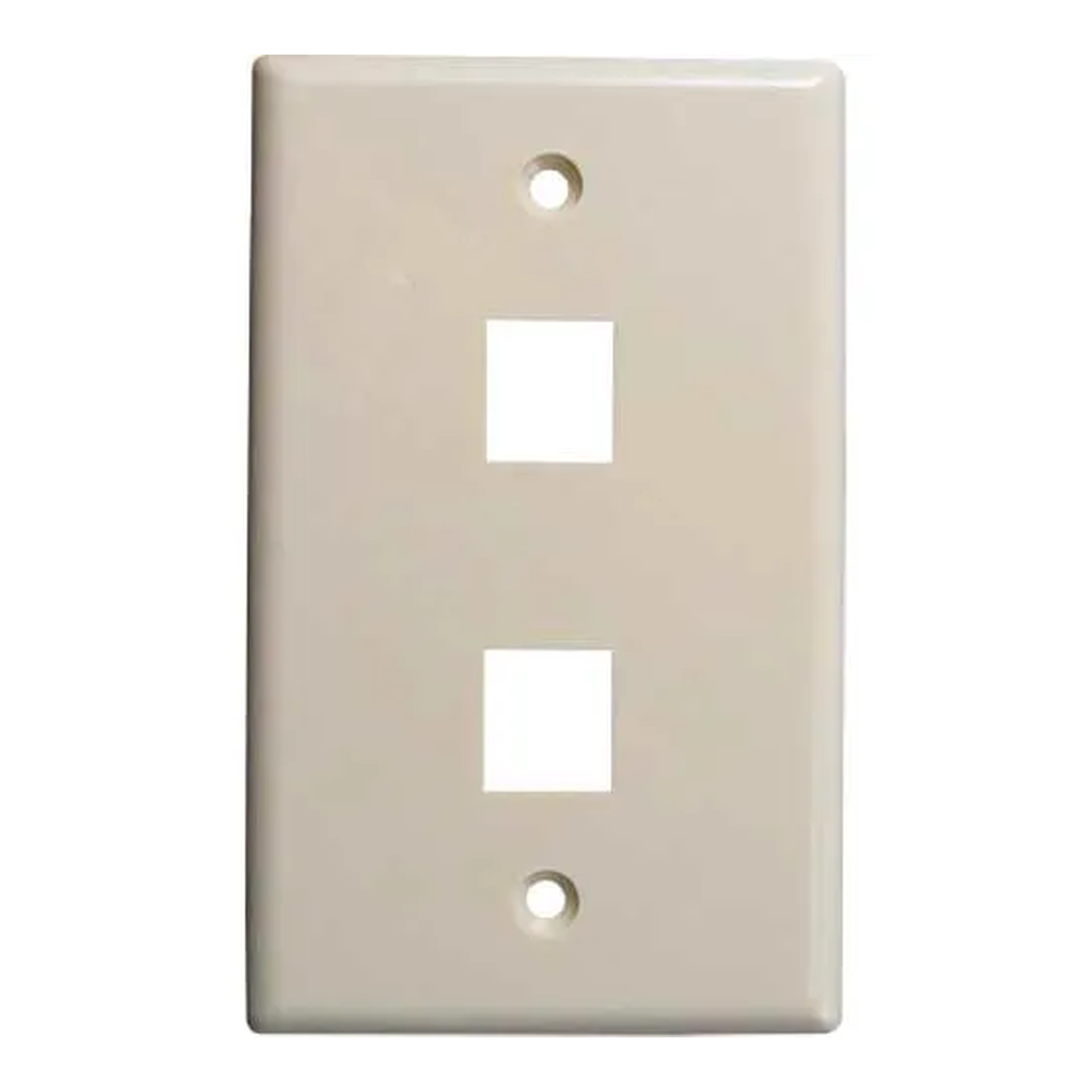
Almond Flush 2-Port Keystone Wall Plate
Our Price:$1.96This flush keystone wall plate is for users creating voice and data wall connections with keystone jacks or inserts. Its two-port layout provides a finished mounting point for compatible inserts.The...
-
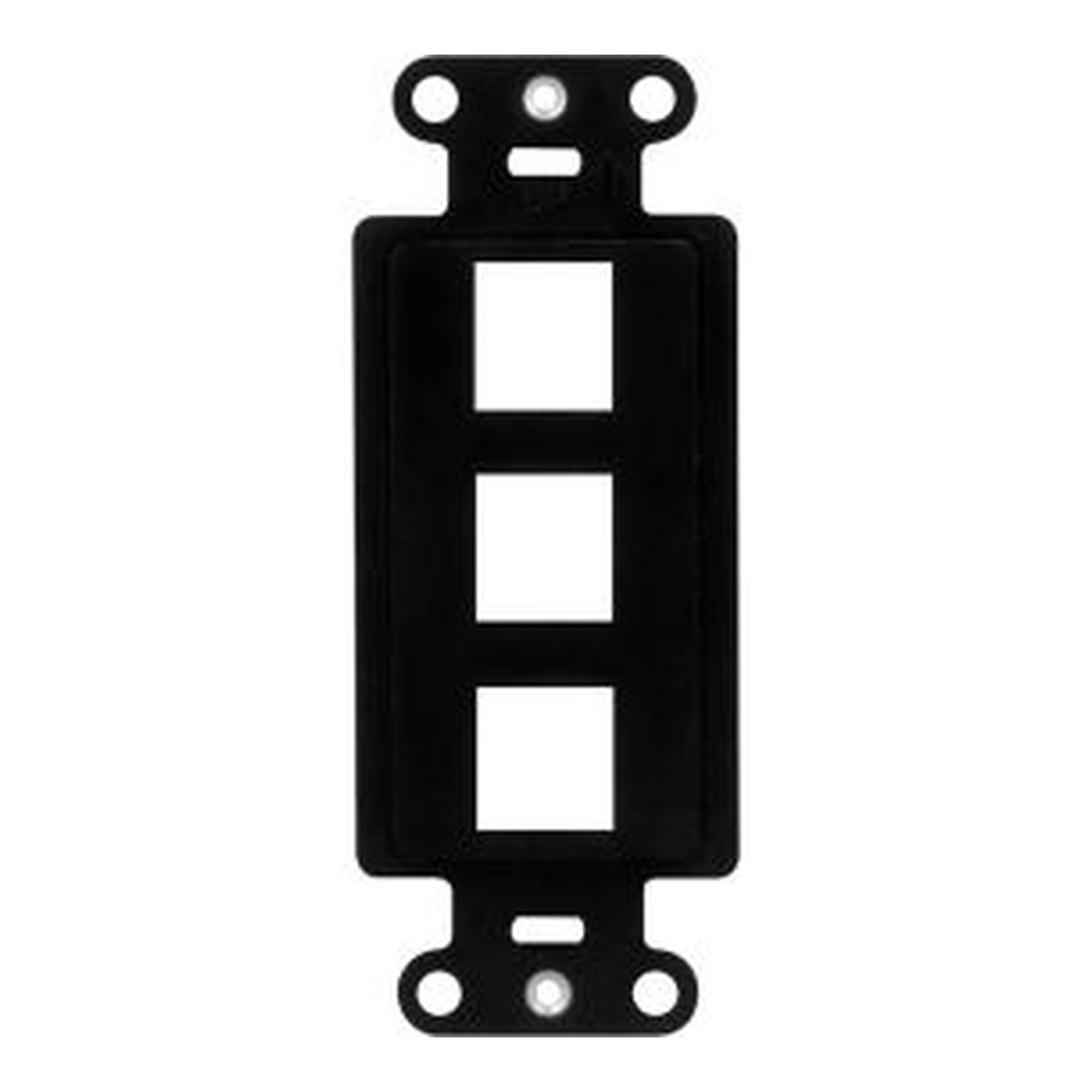
Black 3-Port Decorator Outlet Strap
Our Price:$3.37This black 3-port decorator outlet strap is for installers fitting voice and data plates. It provides a stable mounting point for faceplates while helping keep connections secure during cable...
-
Blank 0-Port Flush Keystone Wall Plate, White
Our Price:$1.95This white blank keystone wall plate is used by voice and data installers to cover a wall-plate location when no ports are needed. Its flush design provides a clean finished appearance for the...
-
Cat 3 Voice Grade U-Style Keystone Jack, White
Our Price:$3.09This white Cat 3 voice grade U-style keystone jack is for voice and data installers building high-density connections in compact areas. It provides a keystone-style connection point for voice-grade...
-
Cat 5e U-Style Keystone Jack, Orange
Our Price:$3.20This orange Cat 5e U-style keystone jack is a data-connection component for installers and network cabling professionals. It provides a termination point for Category 5e cabling in voice and data...
-
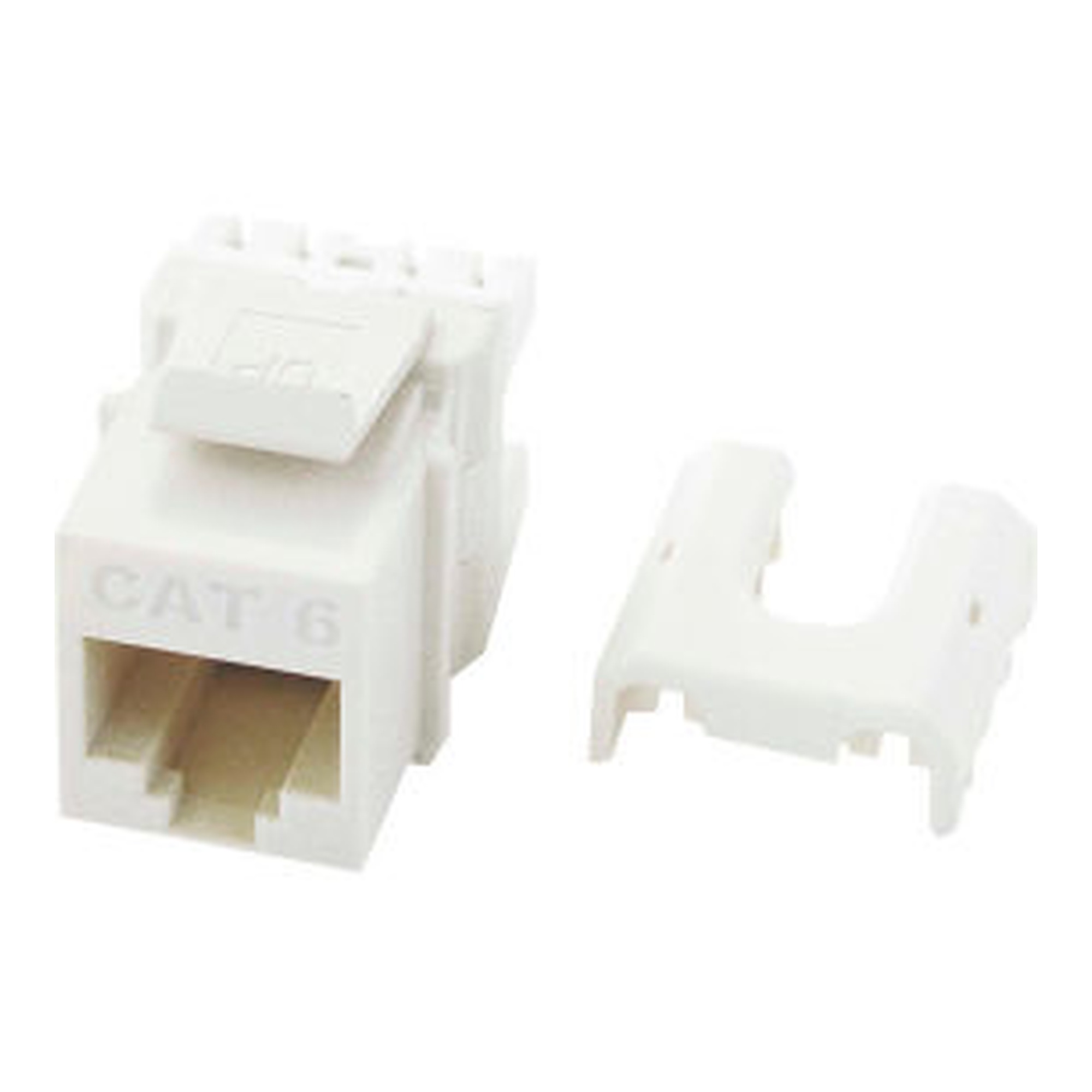
Cat 6 Quick-Connect RJ45 Keystone Insert, White
Our Price:$11.99This white Cat 6 RJ45 keystone insert is for installers and facilities teams setting up voice and data plate connections. It provides an RJ45 connection point and is designed for punch-down...
-
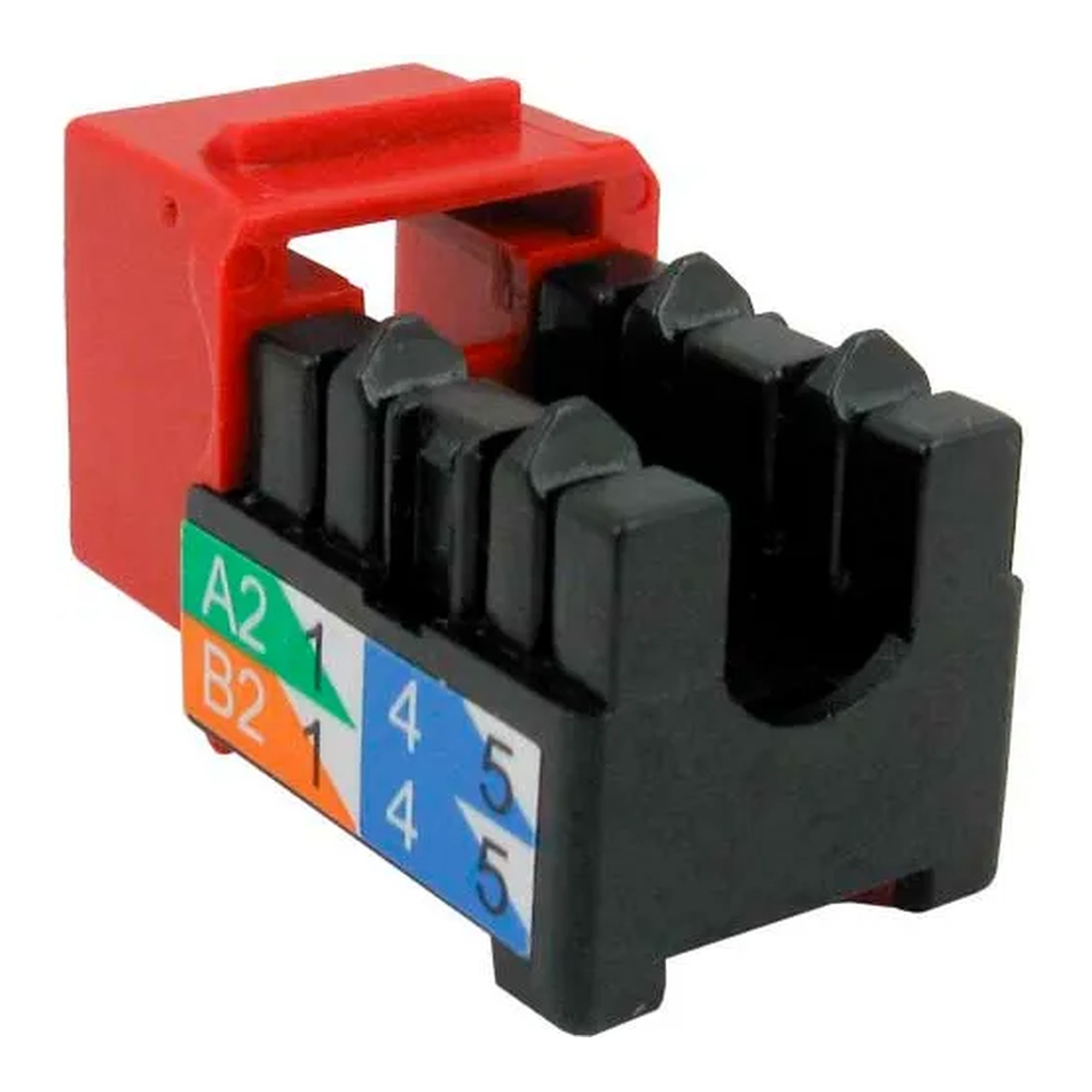
Cat 6 U-Style Keystone Jack, Red
Our Price:$4.07This red Cat 6 U-style keystone jack is for network installers and communications technicians terminating data cabling. It provides a color-coded connection point for Category 6 voice and data...
-
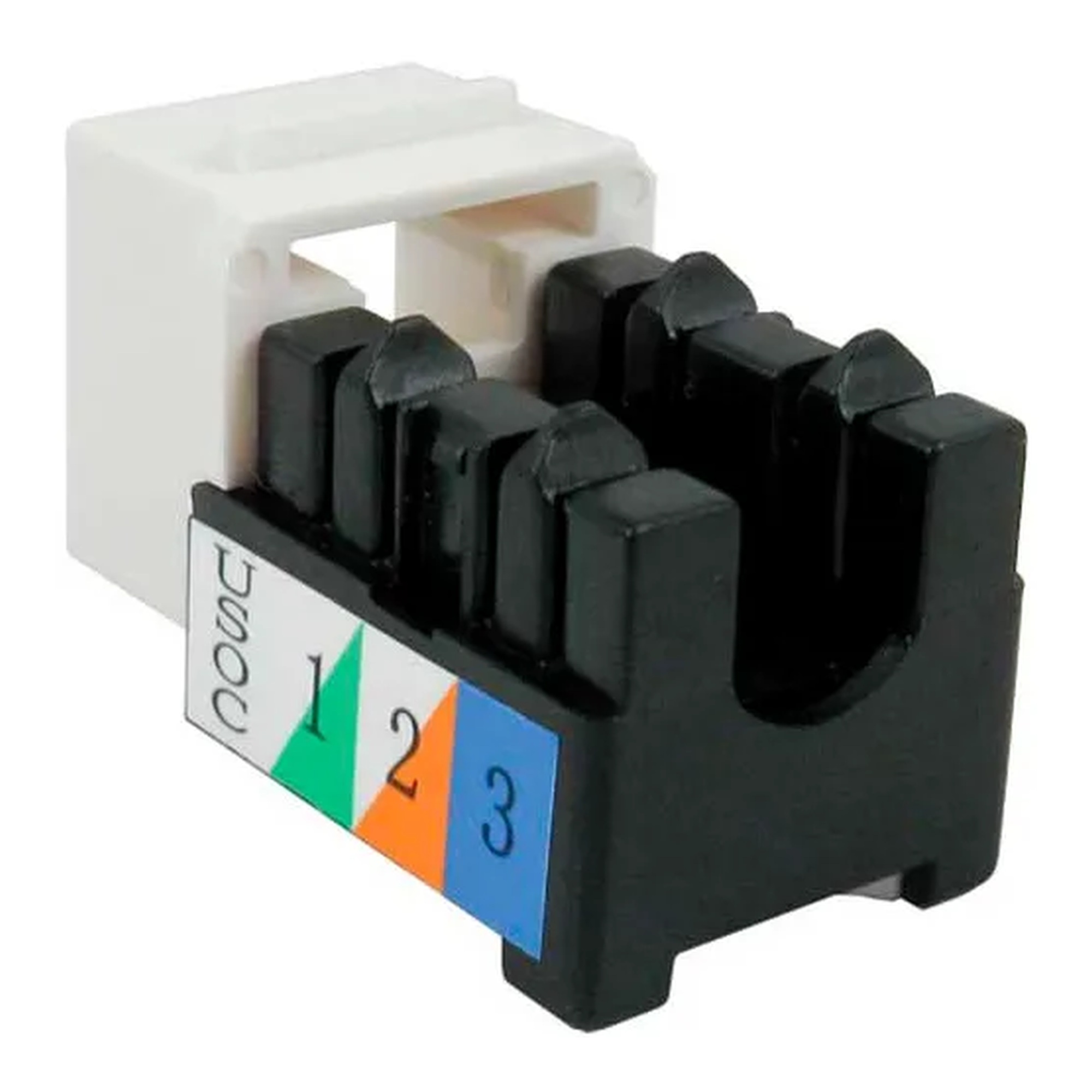
Category 5e U-Style Keystone Jack, White
Our Price:$3.24This white Category 5e keystone jack is a voice and data connectivity component for installers and network technicians. It provides a termination point for data cabling in compatible keystone...
-
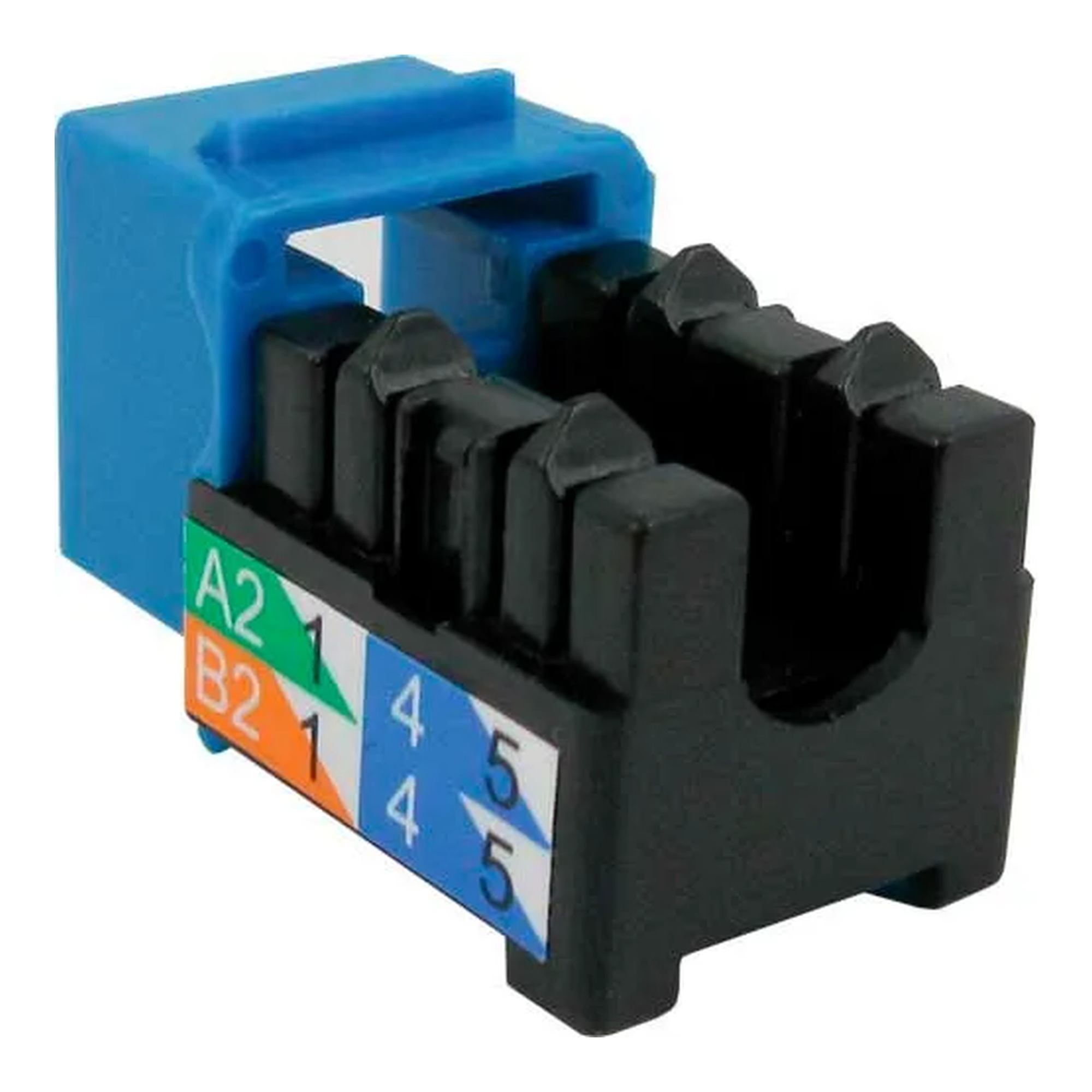
Category 6 U-Style Keystone Jack, Blue
Our Price:$4.88This blue Category 6 keystone jack is a data cabling connection component for network installers and other users assembling voice and data plate connections. It provides a termination point for...
-
Category 6 U-Style Keystone Jack, Green
Our Price:$4.34This green Category 6 keystone jack is a data-grade connection component for network cabling installers and facilities teams. It provides a termination point for Category 6 data wiring where a...
-
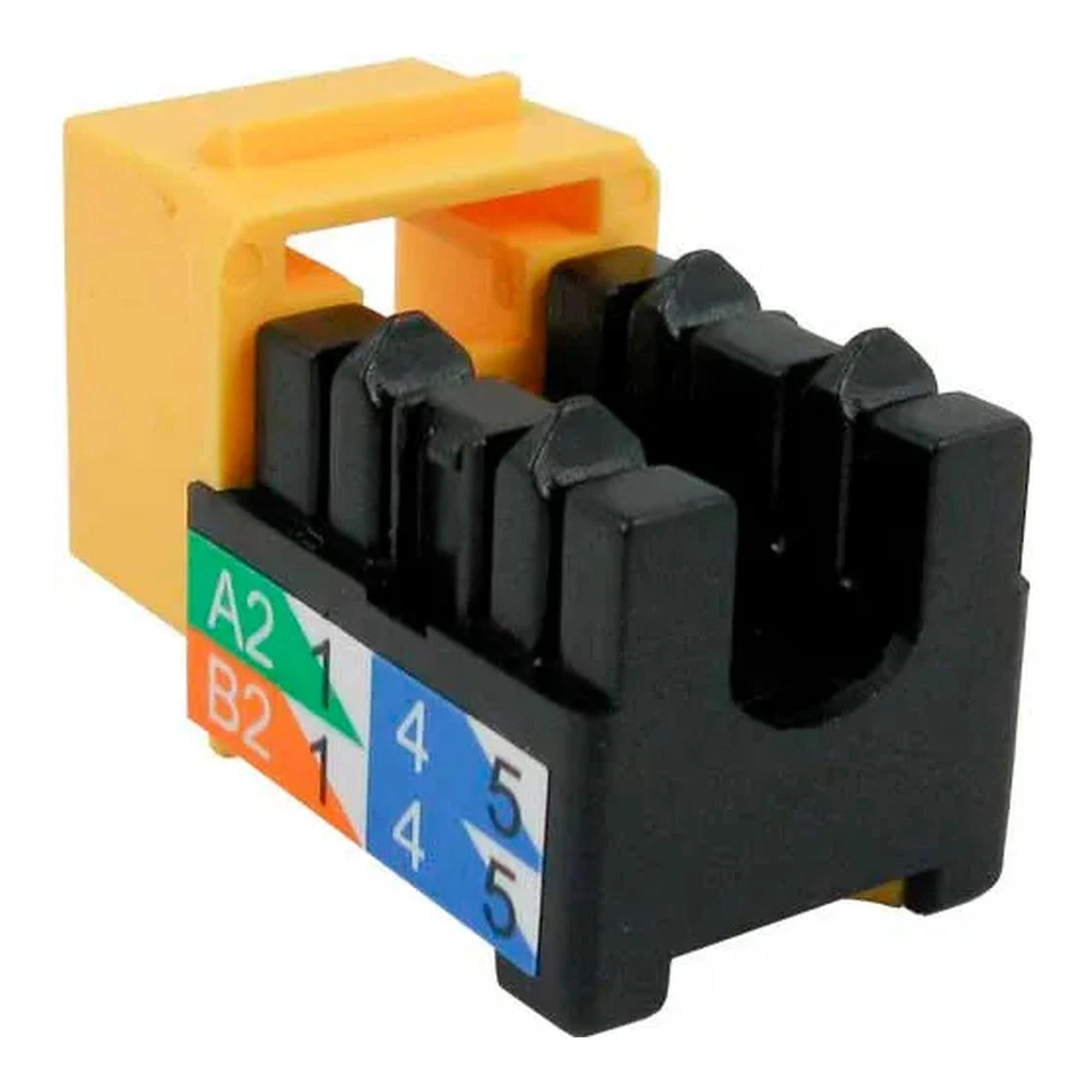
Category 6 U-Style Keystone Jack, Yellow
Our Price:$3.49This yellow Category 6 keystone jack is a data-grade connection component for network installers and commercial facilities teams. It provides a termination point for Category 6 cabling in voice and...
-
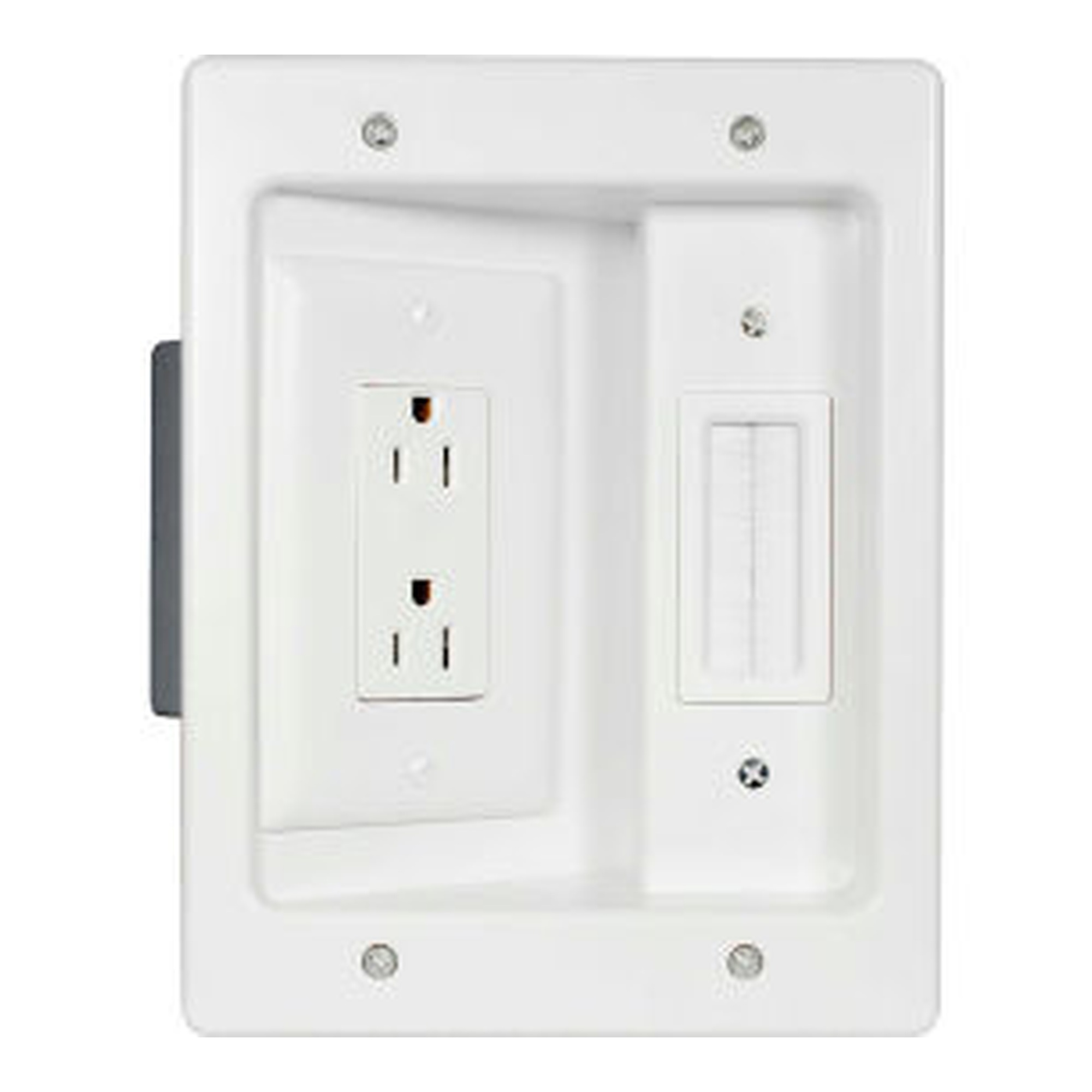
Flat Panel TV Recessed Power and Cabling Connection Kit
Our Price:$65.94This recessed connection kit is for installers and facility teams setting up flat-panel TVs. It provides recessed power and cabling connection points to support a cleaner TV installation.The white...
-
Single-Gang White Junction Box
Our Price:$3.45This single-gang junction box is designed for installers and commercial buyers working with voice and data plate applications. It provides a dedicated box for organizing the installation behind a...
-
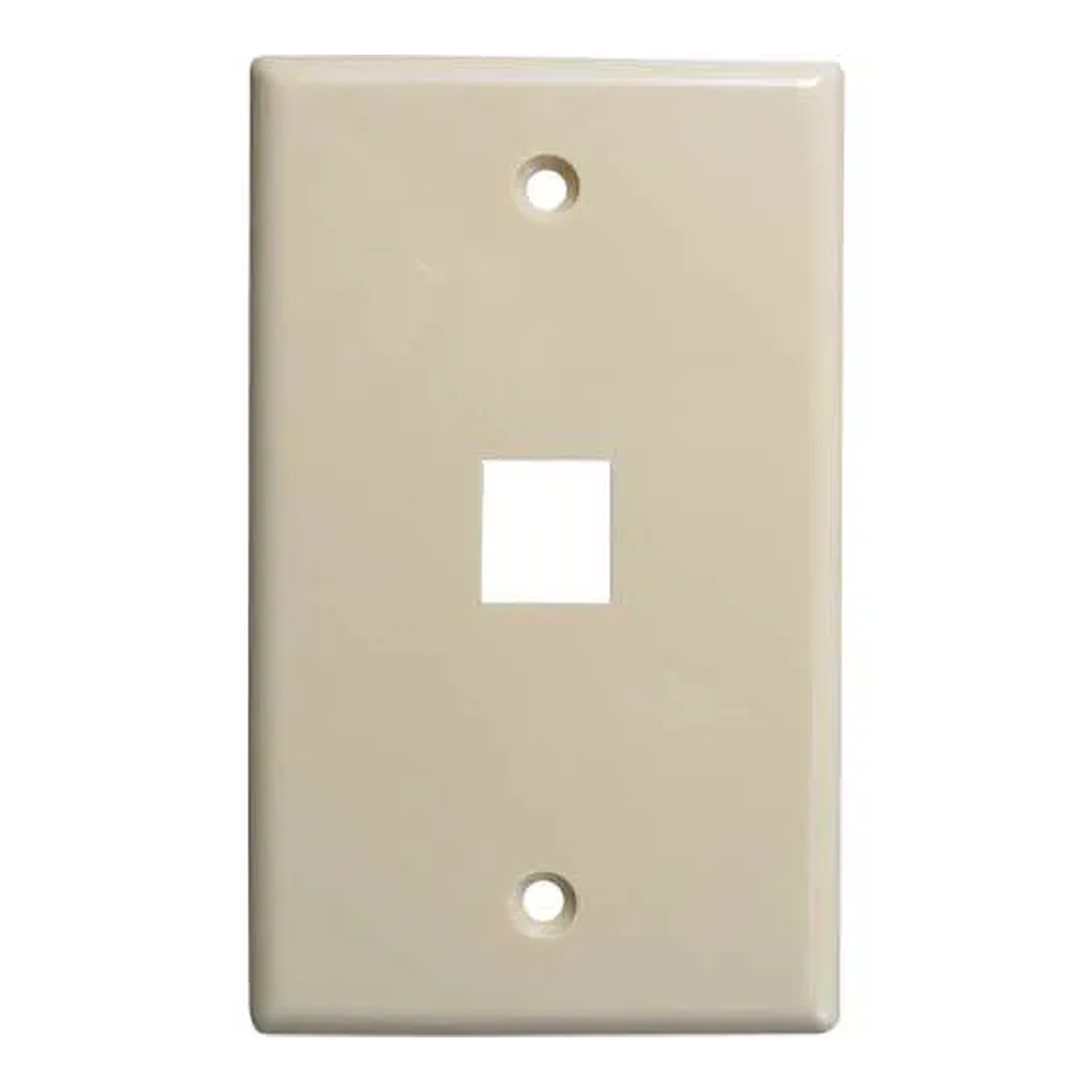
Single-Port Flush Keystone Wall Plate, Ivory
Our Price:$1.94This ivory single-port keystone wall plate is for installers setting up voice and data wall connections. It provides one opening for a compatible keystone jack or insert and creates a finished,...
-
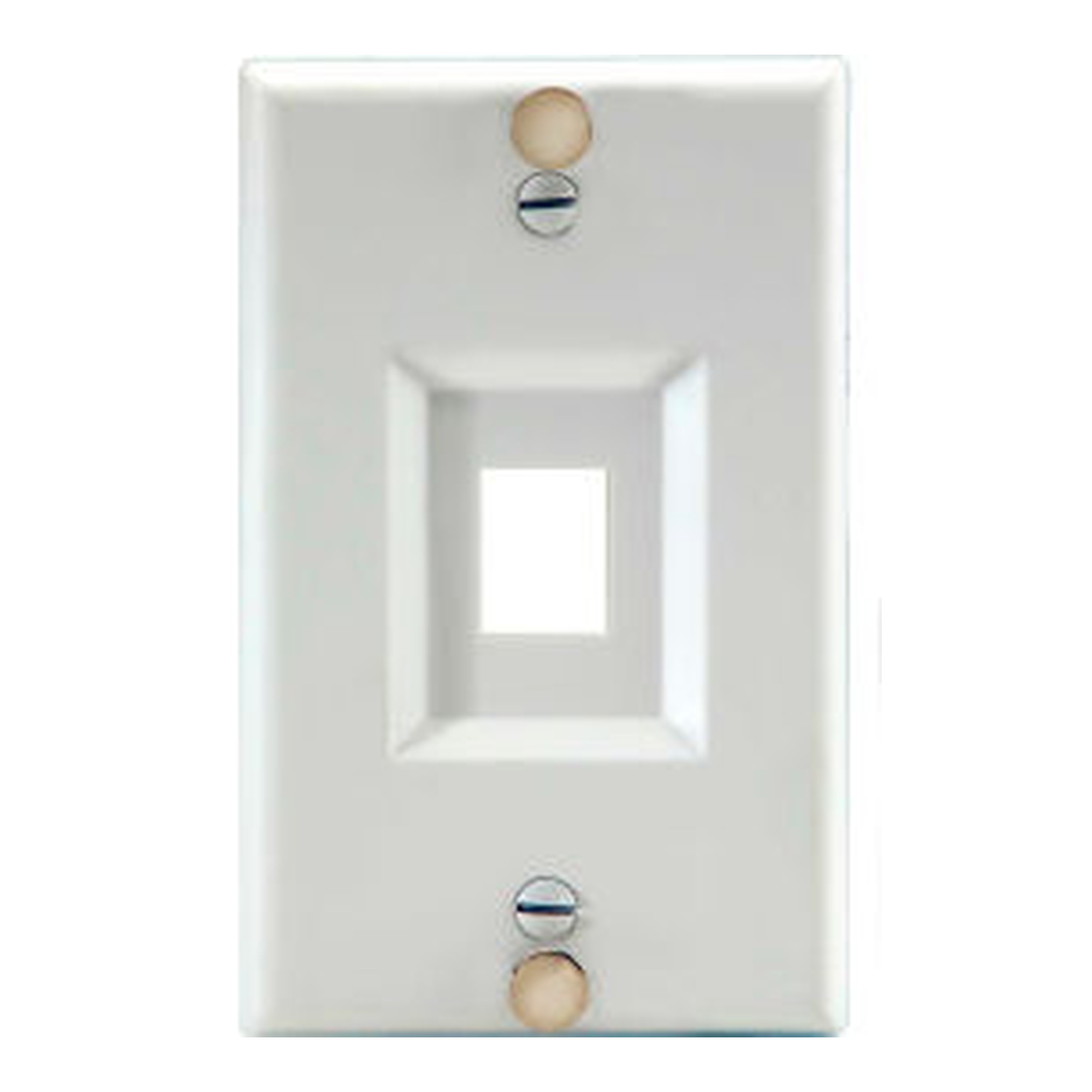
Stainless Steel Keystone Wall Phone Plate
Our Price:$6.49This stainless steel keystone wall phone plate is for homeowners who need a wall-mounted phone plate for a compatible installation or low-voltage bracket.The plate is made of stainless steel and...








How to Choose Voice & Data Plates
Start with the type of connection you need to organize: keystone voice or data cabling, coaxial TV cable, surface-mounted connector modules, or recessed cable and TV connections. Then compare port count, mounting style, finish, and the compatible components required for the installation.
Popular examples in this category
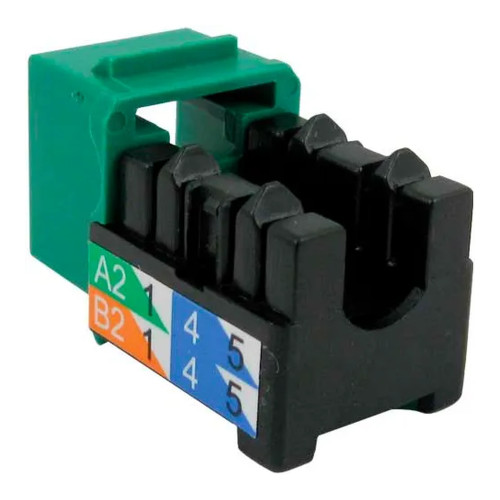 Category 6 U-Style Keystone Jack, GreenWBB1449502
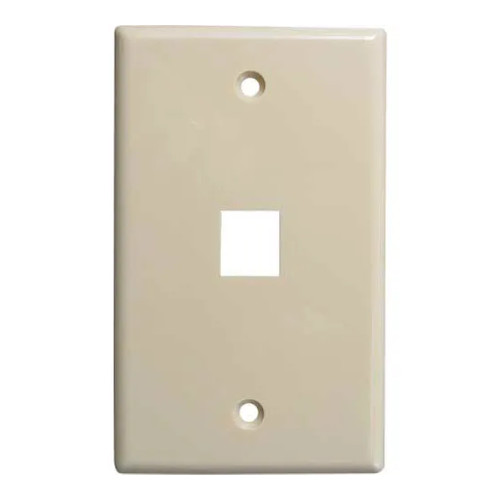 Single-Port Flush Keystone Wall Plate, IvoryWBB1449425
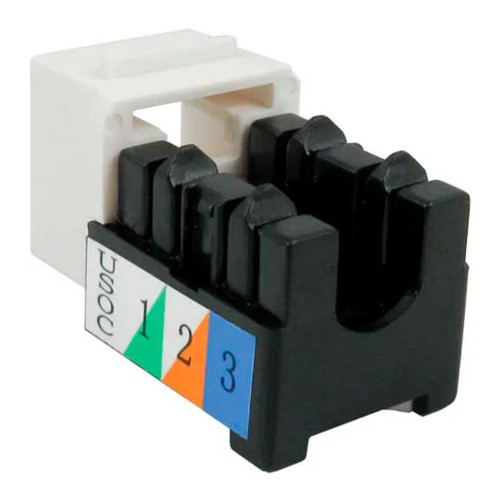 Cat 3 Voice Grade U-Style Keystone Jack, WhiteWBB1449361
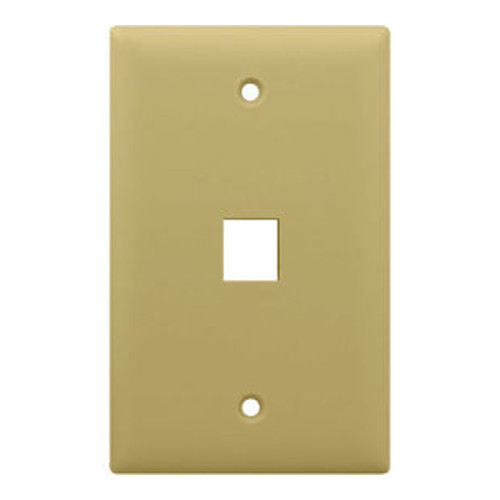 1-Gang 1-Port Keystone Wall Plate, IvoryWBB1636738
Build clean connection points
Use keystone wall plates for voice and data connections, coaxial wall plates for TV cable, and recessed or cable-access kits where cabling needs to be routed or set back behind a wall.
Match ports and mounting
Choose one, two, three, or four ports based on the needed connection count. Compare flush wall plates, decorator outlet straps, and surface-mount housings for the installation location.
Plan for the cable type
Category 6 jacks support Category 6 data cabling, while Cat 3 jacks support voice-grade cabling. Coaxial plates provide dedicated access points for compatible TV, antenna, digital cable, or satellite connections.
Coordinate the finished installation
White, ivory, green, and black options help organize or coordinate installations. Some wall plates include matching screws, while surface-mount housings can include a blank insert, identification label, mounting hardware, and adhesive.
Available wall-plate configurations include single-port and four-port options.
Decorator outlet straps are represented in two-port and three-port configurations.
One single-coax wall plate supports coax applications rated up to 3 GHz.
The surface-mount housing accommodates up to two compatible connector modules.
Compare Voice & Data Plate Types
Compare the primary connection format and installation purpose before selecting a plate, strap, housing, or kit.
| Product type | Best suited for | Key selection details |
|---|---|---|
| Keystone jacks and wall plates | Voice and data wall connections | Match the cable category, choose one or four wall-plate ports, and confirm compatible keystone jacks or inserts. |
| Decorator outlet straps and surface-mount housing | Decorator-style or surface-mounted voice and data setups | Choose two or three strap ports, or select the two-port housing for compatible snap-in modules and surface-mount work. |
| Coaxial plates and cable connection kits | TV coaxial access, behind-wall cable routing, and flat-panel TV setups | Choose a coaxial connection point, dual cable access, or recessed power and cabling connections based on the installation need. |
Plan the right fit before choosing
Select the product type that fits the cabling project
Keystone jacks provide termination points for compatible voice or data cabling. Keystone wall plates provide one or more openings for compatible jacks or inserts. For coaxial cable, choose a dedicated single-port coaxial wall plate. For surface installations, a two-port housing provides a location for compatible snap-in connector modules.
- Use a Category 6 keystone jack for Category 6 data cabling installations.
- Use a Cat 3 keystone jack for voice-grade cabling connections.
- Use a single coaxial wall plate for a dedicated compatible coax connection.
- Use a dual cable access kit or recessed TV connection kit when routing or setting back cabling is the goal.
Match capacity to the wall or surface location
Single-port keystone wall plates suit one connection point, while four-port plates group multiple compatible jacks or inserts at one location. Decorator outlet straps provide two- or three-port mounting points for faceplates. A two-port surface-mount housing is suited to office installations, retrofit work, and other surface-mount environments.
- Single-port wall plates provide one keystone opening.
- Four-port keystone wall plates hold up to four compatible jacks or inserts.
- Two- and three-port decorator straps support corresponding decorator-style configurations.
- A surface-mount housing includes capacity for up to two compatible connector modules.
Look for features that support a finished, organized result
Flush profiles create a smooth wall appearance, while recessed kits set power and cabling connections back for flat-panel TV installations. Consider the finish that fits the surrounding installation and review installation-specific details such as compatible brackets, low-voltage mud rings, termination contacts, or mounting options.
- Ivory and white wall plates provide coordinated wall-installation options.
- Green and white keystone jacks offer color options for connection organization.
- 110-IDC contacts provide a terminal-block termination method on the listed keystone jacks.
- Surface-mount housing mounting options include self-tapping screws and pressure-sensitive adhesive.
Common questions before buying
What is a keystone wall plate used for?
A keystone wall plate provides openings for compatible keystone jacks or inserts, creating an organized voice or data wall connection point.
How do Category 6 and Cat 3 keystone jacks differ?
The Category 6 jack supports Category 6 data cabling installations, while the Cat 3 jack supports voice-grade cabling connections.
When is a surface-mount housing useful?
A two-port surface-mount housing is designed for office voice and data installations, including retrofit work and other surface-mount environments.
What can a single coaxial wall plate connect?
A single coaxial wall plate provides one dedicated compatible connection point for TV coaxial cable, including antenna, digital cable, or digital satellite video applications depending on the plate type.
How to Choose Voice & Data Plates
Start with the type of connection you need to organize: keystone voice or data cabling, coaxial TV cable, surface-mounted connector modules, or recessed cable and TV connections. Then compare port count, mounting style, finish, and the compatible components required for the installation.
Popular examples in this category
Build clean connection points
Use keystone wall plates for voice and data connections, coaxial wall plates for TV cable, and recessed or cable-access kits where cabling needs to be routed or set back behind a wall.
Match ports and mounting
Choose one, two, three, or four ports based on the needed connection count. Compare flush wall plates, decorator outlet straps, and surface-mount housings for the installation location.
Plan for the cable type
Category 6 jacks support Category 6 data cabling, while Cat 3 jacks support voice-grade cabling. Coaxial plates provide dedicated access points for compatible TV, antenna, digital cable, or satellite connections.
Coordinate the finished installation
White, ivory, green, and black options help organize or coordinate installations. Some wall plates include matching screws, while surface-mount housings can include a blank insert, identification label, mounting hardware, and adhesive.
Available wall-plate configurations include single-port and four-port options.
Decorator outlet straps are represented in two-port and three-port configurations.
One single-coax wall plate supports coax applications rated up to 3 GHz.
The surface-mount housing accommodates up to two compatible connector modules.
Compare Voice & Data Plate Types
Compare the primary connection format and installation purpose before selecting a plate, strap, housing, or kit.
| Product type | Best suited for | Key selection details |
|---|---|---|
| Keystone jacks and wall plates | Voice and data wall connections | Match the cable category, choose one or four wall-plate ports, and confirm compatible keystone jacks or inserts. |
| Decorator outlet straps and surface-mount housing | Decorator-style or surface-mounted voice and data setups | Choose two or three strap ports, or select the two-port housing for compatible snap-in modules and surface-mount work. |
| Coaxial plates and cable connection kits | TV coaxial access, behind-wall cable routing, and flat-panel TV setups | Choose a coaxial connection point, dual cable access, or recessed power and cabling connections based on the installation need. |
Plan the right fit before choosing
Select the product type that fits the cabling project
Keystone jacks provide termination points for compatible voice or data cabling. Keystone wall plates provide one or more openings for compatible jacks or inserts. For coaxial cable, choose a dedicated single-port coaxial wall plate. For surface installations, a two-port housing provides a location for compatible snap-in connector modules.
- Use a Category 6 keystone jack for Category 6 data cabling installations.
- Use a Cat 3 keystone jack for voice-grade cabling connections.
- Use a single coaxial wall plate for a dedicated compatible coax connection.
- Use a dual cable access kit or recessed TV connection kit when routing or setting back cabling is the goal.
Match capacity to the wall or surface location
Single-port keystone wall plates suit one connection point, while four-port plates group multiple compatible jacks or inserts at one location. Decorator outlet straps provide two- or three-port mounting points for faceplates. A two-port surface-mount housing is suited to office installations, retrofit work, and other surface-mount environments.
- Single-port wall plates provide one keystone opening.
- Four-port keystone wall plates hold up to four compatible jacks or inserts.
- Two- and three-port decorator straps support corresponding decorator-style configurations.
- A surface-mount housing includes capacity for up to two compatible connector modules.
Look for features that support a finished, organized result
Flush profiles create a smooth wall appearance, while recessed kits set power and cabling connections back for flat-panel TV installations. Consider the finish that fits the surrounding installation and review installation-specific details such as compatible brackets, low-voltage mud rings, termination contacts, or mounting options.
- Ivory and white wall plates provide coordinated wall-installation options.
- Green and white keystone jacks offer color options for connection organization.
- 110-IDC contacts provide a terminal-block termination method on the listed keystone jacks.
- Surface-mount housing mounting options include self-tapping screws and pressure-sensitive adhesive.
Common questions before buying
What is a keystone wall plate used for?
A keystone wall plate provides openings for compatible keystone jacks or inserts, creating an organized voice or data wall connection point.
How do Category 6 and Cat 3 keystone jacks differ?
The Category 6 jack supports Category 6 data cabling installations, while the Cat 3 jack supports voice-grade cabling connections.
When is a surface-mount housing useful?
A two-port surface-mount housing is designed for office voice and data installations, including retrofit work and other surface-mount environments.
What can a single coaxial wall plate connect?
A single coaxial wall plate provides one dedicated compatible connection point for TV coaxial cable, including antenna, digital cable, or digital satellite video applications depending on the plate type.
Choosing the right file folders
FilingSupplies.com carries end-tab folders for open-shelf systems, top-tab folders for drawer filing, and heavy-duty classification folders with dividers and fasteners for multi-section records. Pick letter or legal size, then choose material (11-pt, 14-pt, or 18-pt manila), optional reinforced tabs, color-coding, and expansion capacity to match your volume.
Folder FAQs
End-tab vs. top-tab — what’s the difference?
When should I choose classification folders?
Letter or legal size — how do I pick?
What tab and material options are available?
Can I add fasteners, pockets, or expansion?
Do you offer volume pricing or custom printing?
Outfitting classrooms that work all day
Build a durable, age-appropriate classroom with furniture, early-learning materials, storage bins, learning centers, and presentation tools. Choose adjustable pieces that grow with grades, label friendly bins for quick clean-up, and tech carts that secure, charge, and move easily.
Education FAQs
What safety labels should I look for on school and early-childhood items?
How do I pick classroom furniture across grade levels?
What’s the best way to organize supplies and centers?
How do I choose learning games and manipulatives by age?
What should I consider in a charging/tech cart?
Do you support school POs, bulk pricing, or custom printing?
Choosing the right labels
From color file labels to printable sheets, select the right size, adhesive, and print method to match your filing system and equipment. Decide on sheet vs. roll format, then pick permanent or removable adhesive and your color set.
Labels FAQs
Sheet vs. roll labels — what’s the difference?
Permanent or removable adhesive?
Will these labels work in my printer?
How do I match the label size to folder tabs or binder spines?
Can I get preprinted sequences or color bars?
Do you have templates?
Choosing the right tab dividers
Organize binders with preprinted or blank tabs. Select the number of tabs per set (5, 8, 10, or 12), choose paper with reinforced tabs or durable poly, and match letter or legal size for a clean fit.
Tab Dividers FAQs
What do 5-, 8-, 10-, or 12-tab sets mean?
Paper vs. poly — which should I choose?
Are the tabs printable?
Will they fit my binder?
Can I mix preprinted and blank tabs?
Do you make custom tab sets?
Choosing the right office supplies
From everyday paper and pens to binders, mailers, and desk organizers, pick durable, compatible options that match your equipment and team size. Start with the right paper and labeling, then add organizers that keep work moving.
Office Supplies FAQs
Which paper weight and brightness should I choose?
Round-ring vs. D-ring binders — what’s the difference?
What does “sheet capacity” mean on staplers and hole punches?
Will labels, envelopes, and mailers work with my printer?
How do I choose mailers and shipping boxes?
Do you offer eco-conscious options or bulk pricing?
Choosing the right sports & PE equipment
Equip classes, teams, and rec programs with durable balls, goals, cones, pinnies, storage, and safety gear. Match sizes and materials to age group and whether you play indoors or outdoors.
Sports & Athletics FAQs
What ball sizes should I choose for different ages?
- Basketball: Size 5 (27.5") youth, Size 6 (28.5") intermediate, Size 7 (29.5") official.
- Soccer: Size 3 up to ~8 years, Size 4 ~8–12, Size 5 ~12+.
- Volleyball: Regulation balls for teens/adults; lighter training balls for younger players.
Indoor vs. outdoor — which materials hold up best?
How many pinnies, cones, or markers do I need?
Tips for storage and care?
Are items latex‑free and school‑safe?
Do you support bulk orders or custom printing (team names)?
Choosing the right FireKing fireproof cabinet
FireKing fireproof file cabinets, safes, and storage cabinets are designed to protect important documents, records, and valuables from fire damage while keeping files organized and accessible. When choosing a FireKing cabinet, compare drawer configuration, storage type, fire rating, and overall capacity based on the records or materials you need to protect.
FireKing FAQs
What is the difference between FireKing vertical and lateral file cabinets?
What can I store in a FireKing fireproof file cabinet?
Are FireKing cabinets only for paper records?
How do I choose between a FireKing safe, file cabinet, or storage cabinet?
What sizes are available in FireKing cabinets?
Are FireKing cabinets used in offices, medical facilities, and government records storage?
Can I buy FireKing cabinets in bulk or get help choosing the right model?
Shipping & Policies
Do you offer free shipping?
What are your shipping rates?
- $6.95 for labels-only orders under $40
- $14.95 flat rate for everything else